
You have no items in your shopping cart.
Loading...

Many of us have grown accustomed, dare we say, ‘addicted’ to having constant, high-quality WIFI wherever we go. It is a factor of modern life that is unlikely to take a retroactive step; it is sure to keep moving forward and advancing. There is a great deal to be said for having occasional periods of being ‘off the grid’ and remembering what it was like when you were only contactable if you were near a landline telephone. However, some scenarios exist where retaining connectivity is extremely helpful or essential, no matter where we find ourselves in the great Australian wilderness. This article investigates the prevalence of internet and mobile access when taking a road trip into the middle of nowhere, some reasons why it is valid, and how to find it.
Although none of the concepts we will visit is particularly complex to explain, you may come across some bespoke language in your research that is useful to know in advance, including:
Each of us has a relationship with the sprawling behemoth, the World Wide Web. Whether we’re using it to check in with loved ones or pass some downtime with our brains switched to the ‘off’ position, it has revolutionised how we do almost everything and can be a real wrench when it goes away. Those readers old enough to remember the days before the internet are, in many cases, no less entrenched in it than youngsters who grew up during its existence. Yet we can at least remember that there was a time when life existed outdoors, and you could only be found when you wanted to be. For young people, that can never happen, and their reaction to a lack of connectivity may be more extreme and anxiety-driven than we are prepared for. For right or wrong, we have blanketed our lives with high-speed access to the bottomless pool of everything that exists, and taking it away can be a wrench for those who have never had it any other way.
Some reasons why internet access might be essential on long road trips include:
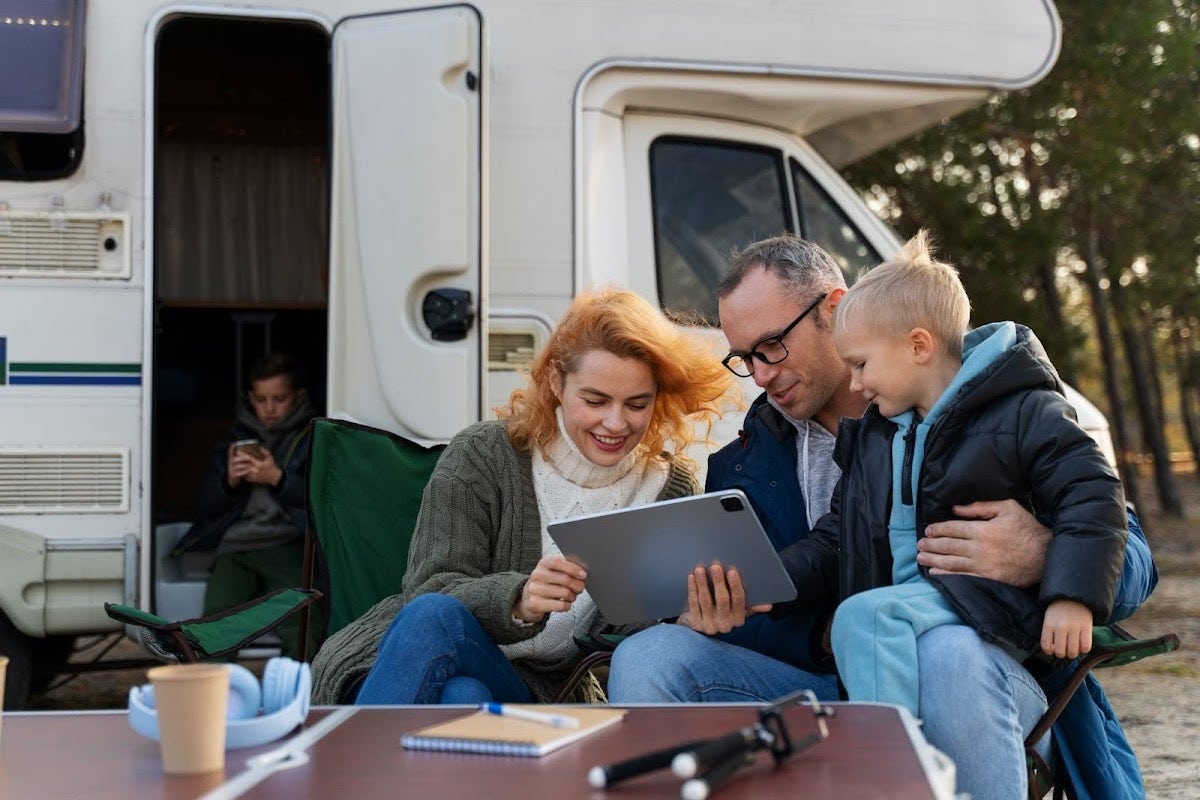
When determining which method to use to stay connected on the road, it is vital to assess your requirements beforehand and go from there. A single person in a van will require much less bandwidth than a family of five, all streaming videos and games. Ask yourself the following questions:
posting occasional updates on social media. In this case, you can get by using the free WIFI you find along the way (more of that later). You will need extra gear to stream videos or music to maintain a reliable internet connection and more data to allow for heavier use.
In terms of using the internet on the road, WIFI in your RV works the same way as anywhere else. Your computer, smartphone, tablet, or other WIFI-enabled device connects to it via Bluetooth, allowing you to browse or stream normally. The difference with RV WIFI is not in the end result but in where the signal comes from. There are two main options for staying connected on the road, but they have certain restrictions and do not apply in remote areas with no signal. We will deal with those later, but for now, the two main options are:
You will likely use both options during any extended road trip, so let’s examine them in more detail.
Just as your mobile phone can make and receive telephone calls and SMS messages using satellite signals, it can access the internet using that same signal. The signal can enter any phone with a SIM card with credit or a contract with the provider. This article is not designed to help you choose the right service provider, but there are some handy tips later in the article.
Hotspot—When you receive an internet data package through your cell phone provider, it can be shared with other devices through tethering or hotspot (see above)
Things to be aware of:
A cell phone booster will be convenient if you use cellular data on the road but find the signal lacking and unusable in specific locations. Readily available from any decent electronics store, boosters typically have a directional antenna to discover and enhance existing signals. In most cases, you must move the antenna manually to locate the strongest signal. Higher-priced versions might require you to mount the antenna to the vehicle and run cables, although reports indicate that similar results can be achieved with the cheaper versions.
Local WIFI networks are those provided by others at specific locations, usually for the convenience of paying customers and staff. Expect to find free WIFI in a wide range of locations on the road, including:
The great thing about free WIFI is, of course, that it’s free. What’s not so great is that it is often slow and incapable of streaming videos or doing much more than checking emails. Strength and quality vary from place to place, so always ask for the WIFI password if you see the place has it, but don’t expect too much.
A word of caution:
Satellite communication is not a new concept, but Starlink puts a new spin on it by providing internet coverage directly to a receiver you purchase from them. From there, the signal is shared with your devices and no cellular coverage or contract is required. However, a contract with Starlink is needed to gain access, and other considerations must be made, as listed below. For longer trips or those who like to take their RV out frequently into remote areas, Starlink is undoubtedly an interesting proposition. Although coverage can be inconsistent and often slows down in more densely populated areas, it is generally available Australia-wide. It might be a life-saving addition to your vehicle in the country's most remote areas.
We have used Starlink for illustrative purposes, and although they differ, other companies offer similar services and connectivity. Most fall into a similar pattern to the Starlink model but do your homework before choosing and handing over any money. Pay particular attention to reports of connectivity issues and expected coverage.
The key to making your high-speed data last longer is to employ some of the following tactics:
Like it or not, the Internet is here to stay, and nobody can argue that it is without its perks and advantages. Even the most zen-like travellers who wish to distance themselves from the wider world and seek solace in solitude may be glad of an internet connection, especially if their van breaks down hundreds of kilometres from the nearest town or settlement. Australia is unlike most other countries, and its unimaginable vastness can be both a blessing and a severe problem. Safety must always come first, and equipping your RV with a decent internet connection is the responsible thing to do. Other lives may be put at risk if you go missing and cannot be contacted, as search parties set out looking for you.
The truth is that you are unlikely to find one solution to cover all your internet requirements, and most successful strategies will include one or more of the following:
The team here at RV Parts Express loves to talk about all aspects of RV life, and we’ve had our fair share of connectivity issues over the years. Please get in touch today with any questions or comments; we will gladly provide additional information about our products. If you have a few moments to spare, why not browse our sensational range of outdoor gear? We have everything from spare parts, tools and gadgets to camping accessories and so much more.
